Multi-Location Operations Platform
Assign tasks, collect data, verify completion. One platform for your entire network of locations and field teams.
- Create task scenarios for any process and assign them to locations, people and regions.
- Receive issues from your employees and give each one a workflow that fits your process.
- Collect answers, photos, confirmed geo-tags and visit reports.
- Browse your data in a clear structure, export it and make the right decisions.

What is cHow?
cHow is an operations platform for multi-location networks and field teams. It replaces hundreds of emails, phone calls and spreadsheets with a single, structured workspace, so you can respond faster and make decisions based on facts.
Managers assign tasks and track their completion in real time. Field staff know exactly what needs to be done and when, and can report any issue that needs attention on the spot.
Every organisation works differently, so you adapt cHow to your processes rather than your processes to the system. You implement it with our team, who support you until cHow starts lightening your organisation`s workload.


Feedback from our customers
"Running several stores requires a constant flow of information. cHow has helped us bring order to processes in our stores: information from the sales teams, the warehouse and the people responsible for displays comes in with photos, all in one place. Instead of repeated phone calls, emails and searching for lost arrangements, we have an up-to-date view of every site, and our staff know exactly which standard applies on any given day."
Operations Director, Centrum Plus

"Every change may initially cause some uncertainty, but in the case of cHow, it quickly became clear that it was a step in the right direction. The new system improved the work of our department and helped organize the activities of the sales team. Standardized reports gave us greater analytical capabilities and allowed us to manage processes more consciously. Importantly, reporting work simply became a more enjoyable part of our daily responsibilities. I can confidently recommend this solution."
Sesderma Department Manager

"Implementing cHow was a strategic decision. We gained not only a significant increase in operational efficiency but, above all, a versatile tool that we can flexibly adapt to new challenges. Thanks to access to real-time and reliable data, managers can manage processes more effectively across the entire network, and we have gained a solid foundation for further digitalization and enhancements."
Operational Projects Manager

"cHow provides information that—I can say this with full confidence today—is used by the entire company in the form of reports. The report catalog is structured in such a way that cHow has essentially become the main channel for information exchange between stores, management structures, and logistics."
Operations Director

"I am glad I had the chance to get to know it (cHow) and to optimize my own work and that of my team of field auditors together."
Senior Internal Auditor

"With the cHow app, collecting and analyzing field data has become much faster and more effective, which directly translates into better business decisions. Additionally, the technical support is exceptionally helpful and always available, which significantly simplifies working with the system."
Analysis and Projects Specialist
"Thanks to cHow, we gained real-time insight into our field team's work. This allowed us to distribute and execute tasks much more efficiently. A big plus is the cHow team itself – always collaborative and quick to respond to our questions and concerns."
CEO

How it works?
Create task scenarios and assign them to appropriate people, monitor the progress, send out notifications and analyze the results in the reporting systems.

Choose the task type: at a specific or selected location, in the field, or with no location at all. Then set whether it has a deadline or is repeatable, and whether it requires geolocation confirmation. Intuitive configuration lets you mirror any process.
Create the task scenario using different types on questions, their mutual logic and advanced availability rules. Assign scoring to track the results easily.

Assign the task based on the map reflecting your organizational structure.
Setup repetitions, cycles and automatic creation of tasks based on various events.

Conveniently browse the progress of the project execution, and the results reported at particular locations, by particular contractors or in particular regions. Setup automatic notifications (push and e-mail) about the selected events happening in the project.
Send the notifications to hand-picked recipients or based on defined mechanisms. Verify the correctness of the executed assignments and conveniently point out the items that need to be corrected.

Assess the current situation, trends and changes in an expanded reporting system. Display the data based on the permissions, projects and locations bound to the particular system user.
Export the data in the form of accessible spreadsheets and picture archives. Integrate cHow with other corporate systems over an API or proprietary integration interfaces.

Who is cHow for?
- Retail chains - for process organization, communication, ongoing reporting and easy data analysis.
- Distribution companies - for rapid reporting of repeatable field tasks.
- Construction and production companies - for checklists and event reporting (health and safety, quality assurance, assembly instructions)
- new Health and safety service - risk management, hazard reporting, remediation reporting. Read more
- Merchandisers - for exchanging guidelines, reporting the activities, standard control.
- Companies and organizations seeking to streamline their processes, assignments and reports - irrespective of the industry.
- Sales and marketing - for ongoing verification of the promotional activity, accuracy of product marking and exposure.
- HR - for gathering information about staff shortages, sending out instructions, testing the employee knowledge, communication - also in the form of an "idea box".
- VM - for sending out guidelines regarding product placement, gathering reports about the situation in remote locations and sending feedback.
- Chain development - for monitoring the situation around the points of sale - opening or closing competition stores, roadblocks, renovations etc.
- new Health and safety - for gathering reports about procedure adherence, accumulating hazard reports and confirmations of eliminating them. Read more
- Operations - for ongoing reporting between the Headwuarters and the repote points of sale, monitoring the progress against the planned assumptions.
Use cases

Food retail chain
Franchise shops are located all across Poland. The chain comprises of both small shops offering just selected items, as well as larger establishments with a broader product offer. Managing such a diverse structure poses several operational challenges. To tackle them effectively, the managers need up-to-date data from hundreds of locations. It is essential to effectively structure the communication with different groups of employees.

Petrol station chain
The company`s internal auditors make routine visits to their petrol stations. After each visit they report numerous issues – the execution of promotional activities, cleanliness, supply status etc. The data in these reports – Station Assessment Sheets – are delivered to the appropriate departments within the organization so they can take corrective actions. The aggregate data is used by management to get a broad view of the overall situation within the company in order to make strategic decisions.

Insurance company
After inspecting a damaged object that is the subject of an insurance procedure (i.e. a crashed car), insurance experts are compelled to fill out a protocol with a description of their findings. These process often happens in stressful and even uncomfortable circumstances. The protocol is a prerequisite for the next steps of the process of reimbursement.

Construction industry
There are dozens of potential risks to the health and lives of workers on a construction site every day. Managing health and safety in such an environment is vital, but can sometimes be very difficult. Traditional paper-based methods of reporting incidents and hazards often fail - information about hazardous situations arrives late or gets lost in piles of documents. The lack of a rapid flow of incident data leads to delayed responses, and minor accidents and near misses are sometimes not reported at all.
How much does cHow cost?
Pricing depends on the number of users. The larger your network, the lower the cost per user.
Price per user
The more users, the lower the rate:
- at 100 users EUR 22 / user
- at 500 users EUR 12 / user
- at 1,000 users EUR 10 / user
Average price per user, net, per month.
Starter package
net per month
Have a smaller structure or want to start with a pilot in a selected group? Let's talk – we'll find the right model for your organisation.
Articles See all

How Centrum Plus standardises operations in PSB Mrówka stores
"Running several large DIY stores means coordinating hundreds of recurring tasks every day. In the home and garden sector, seasonal product rotation, fast-moving promotions and health and safety procedures make it hard to keep one consistent standard across multiple locations."
Read article
Soft or hard franchise? Why changing the model alone won`t improve store execution
"The debate over which franchise model is more effective has been ongoing in the retail industry for years. Facing increasing market pressure, many traditional networks are deciding to tighten their cooperation rules. The goal is to achieve greater visual consistency, a unified assortment, and more effective promo execution."
Read article
The trap of the "tick-box" audit. Why merely collecting store data doesn`t solve operational problems
Collecting field data has never been easier. Store employees, merchandisers, and auditors are equipped with smartphones; they take thousands of photos and check off digital checklists. And yet, despite this technological ease, operational problems in many organizations remain unresolved for weeks on end.
Read article
Profitability of Retail Execution implementation - a process-based approach
The implementation of a Retail Execution system does not start with a spreadsheet or declared savings. The starting point is always an understanding of actual operational processes - how the organization operates in the field, how it collects information from the sales network, and what really happens to that data afterward.
Read article
The Algorithmic Illusion of Objectivity. On the Subjective Nature of Data.
Trust in reports typically grows in proportion to the sophistication of the technology processing them. It is an interesting correlation, yet it carries a distinct risk. Focusing on the analytical capabilities of systems can easily obscure the nature of the data itself. Before data takes the form of a digital chart, it usually starts as a record of human interpretation. Therefore, assuming its total neutrality is risky at best.
Read article
Reporting: Control or Support?
New systems and applications appear in companies on a regular basis. Some rollouts go almost unnoticed – employees simply get used to something new – while others trigger strong emotions. The latter often include applications designed for reporting day-to-day events.
Read article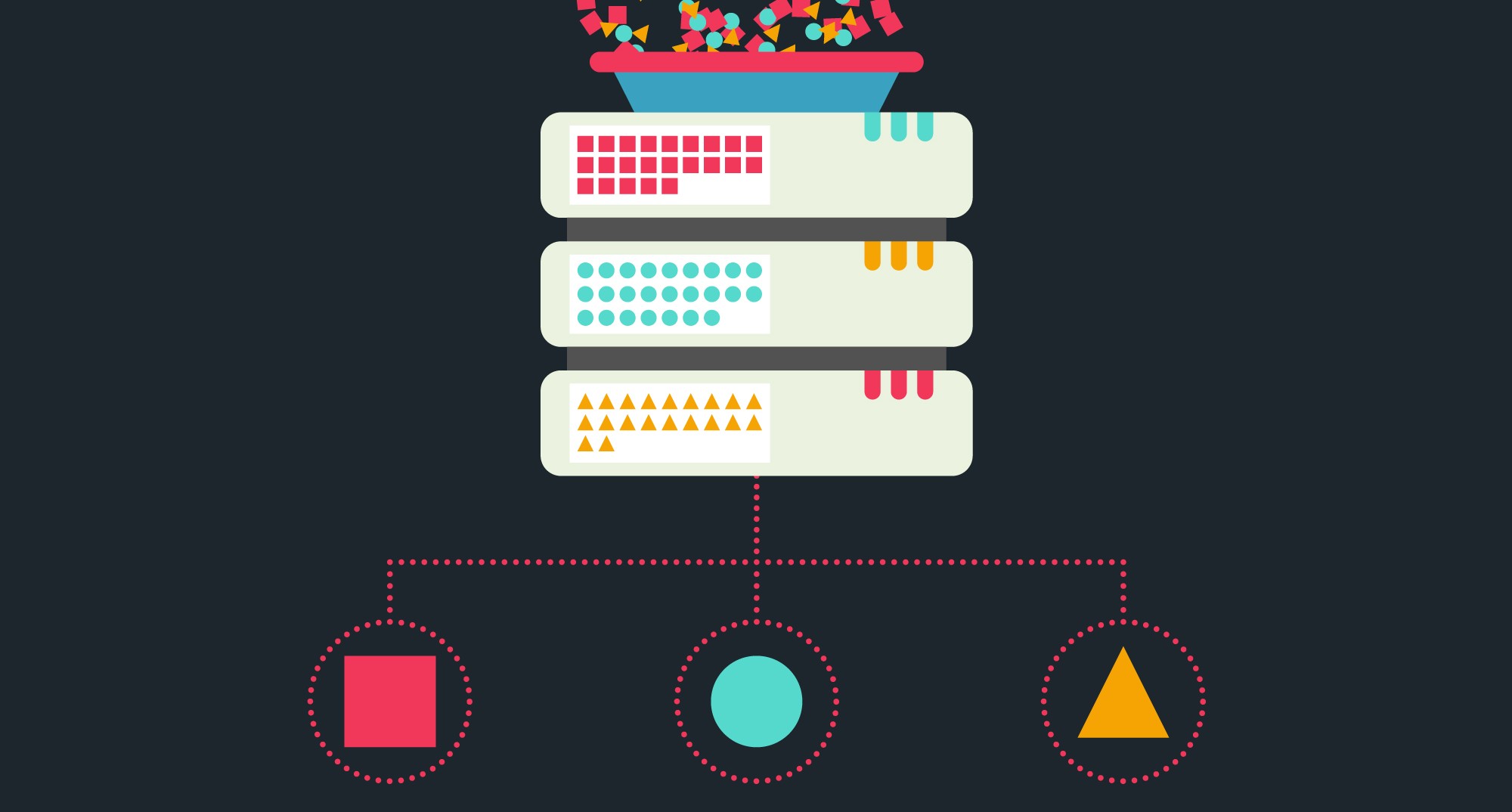
Question Categories – Better Data, Smarter Insights
When you're managing multiple retail locations, a good audit report should clearly show what’s working, what needs improvement, and exactly where the problem lies.
Read article
“Mini-task Bundles" – How cHow Transforms Post-Audit Workflows
Auditing and inspections are one thing, but what happens afterward? Too often, it’s chaos: scattered messages, inefficient spreadsheets, uncertainty about who does what and when. That’s where our Mini-task Bundles—automatically generated follow-up tasks—fully shine. They help transition from problem identification to resolution with ease.
Read article
cHow for Health & Safety teams
In large production plants and distribution centers, each day brings hundreds of decisions and observations—many of which never reach the system simply because there’s no time, no place, no process. Yet effective health and safety is not just about procedures. It’s about what we really know—and what we do with that knowledge.
Read article
Observe. Document. Respond.
Using cHow in security agencies. Much of a security agency’s work happens out of sight. Field presence doesn’t always mean oversight – especially when patrol, technical, and admin teams operate across multiple sites. Sometimes it's a minor malfunction, sometimes an incident requiring documentation – and often, it's just about knowing whether everything went according to plan.
Read article
cHow helps prevent accidents
Ensure a safe workplace with cHow's Health and Safety module - a tool that streamlines hazard reporting, speeds up incident response and helps build a culture of safety in your organisation.
Read article
Data well served
It's incredible how much data we're generating these days, isn't it? Just a few years ago, we couldn't even imagine the amount we're producing now. For businesses, it's not just about collecting data anymore. The key is to process it instantly and efficiently. Being able to turn raw data into useful information that helps us make decisions is really important for the efficiency of an organisation's operations.
Read article
The internationalisation of communication - a new challenge for businesses of all sizes
In today's globalised world, it's becoming more and more challenging for companies, both multinational and local, to communicate effectively in multiple languages. The lovely folks over at the Central Statistical Office (CSO) let us know that by the end of May 2024, there were more than 1.02 million foreigners working in Poland, which is 6.7% of the total workforce. It's a common misconception that English is enough for international communication. In reality, though, having a grasp of the local language is really important, especially in sectors like retail and services.
Read article
From "I think so" to "I know"
At one end of the process, there are hundreds, thousands of small pieces of information. At the other end of the process, there are decisions that are often crucial to the organization. It is not good when there is no clear connection between these points. Unfortunately, this is the case.
Read article
Who do you think knows the most, and has the best contacts?
"I'm really looking forward to getting to know him and working together with my team of field auditors to make the most of our combined skills," wrote the Senior Internal Auditor of one of the largest FMCG distributors. About whom? About the amazing cHow app in the flesh!
Read article
The decision to implement a new system = cause for celebration
It is often assumed that the decision to implement a system will be met with enthusiasm by all customers. However, in reality, some customers may feel sceptical or even distanced from the idea.
Read article
"Managing a field team is not an easy job"
On how to make this task simpler and where exactly lies the challenge, we talk to the Director of Operations at Monnari Trade, Piotr Olczyk.
Read article
"Meet agile reporting – decide without guessing"
You’re wasting hours looking for data in emails and tables just to find out that the situation in you retail chain might be.
Read articleContact us

Show demo

cHow
Królewska 2/2, 30-045 Kraków
Trusted us